How to Get Copy of Certificate of Registration LTO Philippines
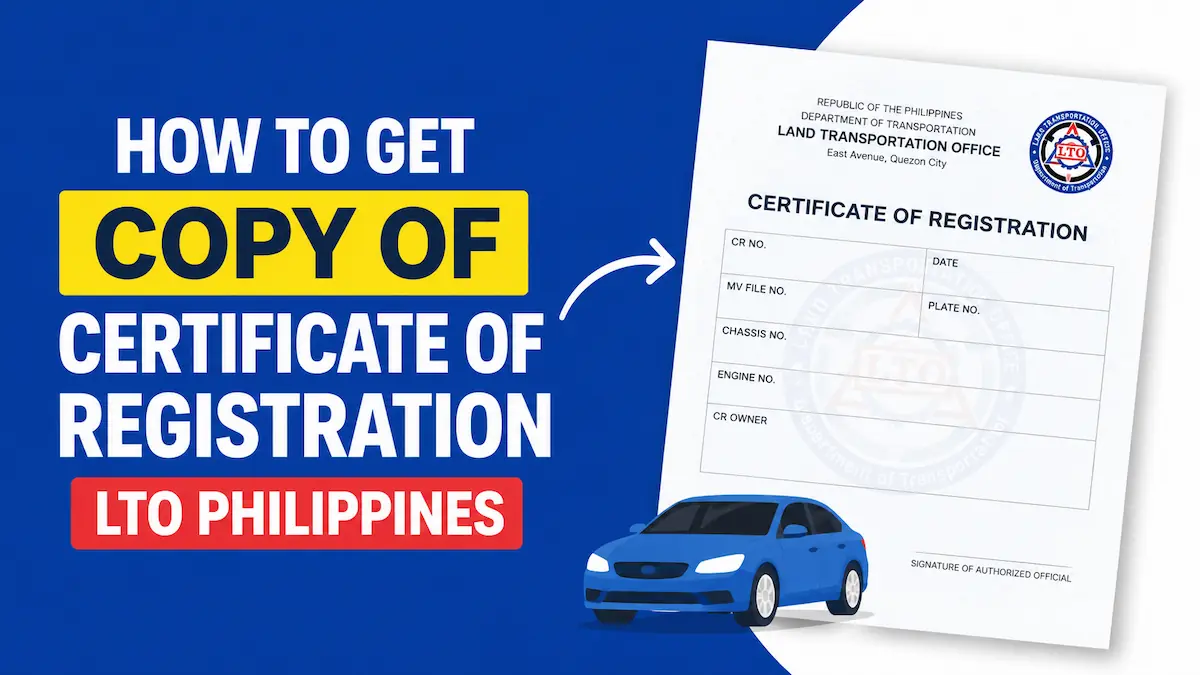
The Certificate of Registration (CR) is very important for every vehicle owner. The LTO Philippines considers it as a mandatory document to drive a vehicle on roads. If you have lost it, then learn how to get a copy of Certificate of Registration LTO Online and follow the process.
Obtaining a duplicate Certificate of Registration is a simple process but you must fit its requirements and go through the complete procedure to get a copy of your CR from the LTO (Land Transportation Office). Here I am going to tell you everything about CR and its obtaining process.
What to Do If Your CR is Lost or Damaged or Stolen
- If your CR is lost, you are required to apply for a duplicate copy of CR to LTO Philippines. But before applying for a replacement CR, you should prepare an Affidavit of Loss and get it notarized. The Affidavit of Loss of CR is a mandatory document to obtain a duplicate Certificate of Registration from LTO Office.
- If you have a doubt that someone has stolen your CR then you should file a complaint at your nearest police station and obtain a police report. You should also prepare an Affidavit of Loss of CR as get it notarized. Use the police report and affidavit of loss as documents while applying for a copy of Certificate of Registration to LTO Authority.
- In case your CR is damaged, you should carry the Damaged CR to LTO Office and submit it with other documents when applying for a duplicate CR to LTO Philippines.
Can I Get a Copy of CR LTO Online?
No, you cannot get a copy of CR LTO Online, you must visit an LTO Office to obtain a duplicate certificate of registration if your CR is lost or damaged or stolen.
The Land Transportation Office allows the vehicle owners to view their CR online but they cannot download the CR copy. The only way to obtain a copy of CR LTO is to visit the LTO Office, apply for a duplicate CR and submit required documents plus pay the fee.
How to Get a Duplicate CR from LTO Philippines
In order to obtain a copy of certificate of registration, I recommend you to visit the LTO Office from where your Original CR was issued. In case that LTO Branch is too far from your place then you can visit any other LTO Branch that is near your place.
Before going to an LTO Branch Office, make sure that the Duplicate CR Service is available at that branch. You can call up the LTO Branch to ask if they issue a Duplicate Copy of CR or not. Once it is confirmed, you can visit that LTO Branch and apply for a copy of CR LTO.
Duplicate Certificate of Registration Requirements
In order to apply for a duplicate copy of Certificate of Registration to LTO, you must fulfill its requirements. It means that you must have the required documents to obtain a copy of CR from LTO, here I provide the list of documents as under.
- Notarized Affidavit of Loss of CR (if CR is lost or stolen)
- Police Report (if CR is stolen)
- Damaged CR (Original, if CR is damaged)
- Most Recent OR (Official Receipt Original)
- Two Valid Government IDs of Vehicle Owner
- 3 Signature Specimen Original and Photocopies
- Actual Vehicle for Inspection Purpose
- Motor Vehicle Inspection Report (MVIR)
- Certification from the Company (if the vehicle is company-owned)
- Authorization Letter and Government ID of Representative (if the duplicate CR application is done by someone other than the registered owner)
Make sure that you have all the documents mentioned above and then proceed to apply for a copy of certificate of registration as per LTO rules.
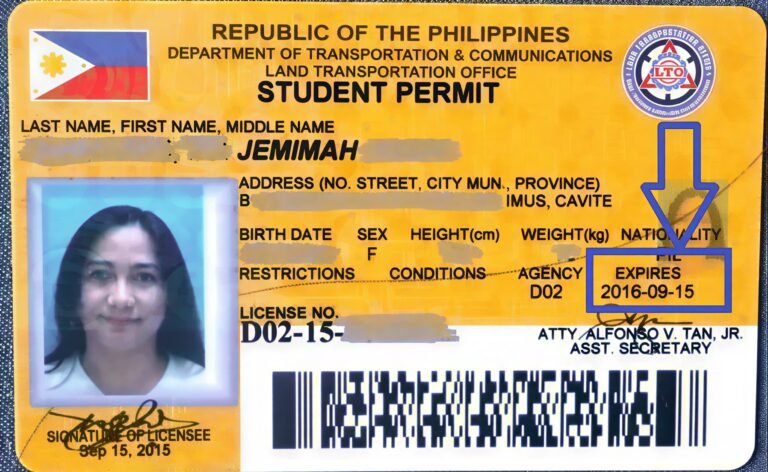
If you are still new to LTO processes, you can first check the complete requirements for getting a student permit in our LTO Student Permit Requirements guide.
Duplicate CR Total Cost
The total cost of duplicate CR includes a variety of fees that you must pay to prepare documents and to obtain a copy of certificate of registration from the LTO Office.
Duplicate CR LTO Fee
The Land Transportation Office charges two types of fees for Duplicate CR Application. You need to pay the fees along with the documents at the LTO Office.
- Duplicate CR Fee: ₱30
- Legal Research Fee: ₱10
- Computer Fee (if applicable): ₱170
Other Fees and Charges
- Affidavit of Lost Notarization Fee: ₱100 to ₱300
- Police Report If CR is Stolen: ₱50 to ₱100
- Vehicle Inspection Fee (if applicable): ₱50 to ₱100
- Stencil Kit (if required): ₱50
- Document Photocopies Printing Charge: ₱50 to ₱100
As per my calculation, the Total Cost of Duplicate CR will be ₱800 to ₱1000.
Steps to Apply for Duplicate CR from LTO Philippines
#Step-1: Visit the LTO Office
You should go to the LTO Office from where your Original CR was issued. If you are unable to go that branch, you can visit your nearest LTO Branch, just confirm that it provides Duplicate CR Service before you visit the office.
You should take your car or motorcycle for which you want a Duplicate Copy of CR because the LTO Personnel will do vehicle inspection to confirm your identity and vehicle documents match with the actual vehicle registration details.
#Step-2: Submit All Documents
After reaching the LTO Office, submit all required documents including the Affidavit of Loss, Recent OR, 2 Government IDs, 3 Signature Specimen, Damaged CR & Police Report (if applicable) and other documents.
#Step-3: Go for Vehicle Inspection
After submitting documents, you should move towards the vehicle inspection department. Get your vehicle checked by an LTO Personnel to verify your ownership and vehicle details correctly before processing your request for a duplicate CR.
#Step-4: Pay Duplicate CR Fee and Obtain OR
After the vehicle inspection is done, you should go to the Cashier/Fees Counter. pay the Replacement CR Fee and other fees as applicable. After paying all fees, the LTO Cashier will issue an Official Receipt (OR) to you.
#Step-5: Collect Duplicate CR Copy and Exit
After paying fees, wait for a few minutes. Soon your name will be called up. Go to the service counter to collect your Copy of Certificate of Registration (CR) and then you can exit the LTO Office.
So, this is how you can apply for a copy of CR at an LTO Office and collect your Duplicate CR at the end.
How to check Digital CR Online
You need to log on to LTO/LTMS Portal to check/view your CR and OR digital copies. You cannot download or print your CR LTO Online but you can view the CR details online. Kindly follow the steps given below:
- Go to LTO Portal website @portal.lto.gov.ph.
- Click on Login option.
- Provide your Registered Email and Password or LTO Client Number and Password.
- Enter the security code and click on Sign In button.
- Select Vehicle or Documents option.
- Select Motor Vehicles.
- Check CR (Certificate of Registration) details.
That’s all, you can only view your CR details on LTO Portal. To get a copy of CR, you are required to visit the LTO Office and apply for Duplicate Certificate of Registration to LTO.
Preparing for your LTO written exam? Practice with our free LTO Exam Reviewer 2026 Online Mock Test to improve your passing chances.
What If I Lost CR and OR
In the Philippines, there are two main documents related to your vehicle, they are known as Official Receipt (OR) and Certificate of Registration (CR). If you have lost both the OR and CR, you must take necessary action.
You should first prepare an Affidavit of Loss of CR and OR. You should also gather all required documents and visit an LTO Office to apply for a Duplicate Copy of CR and OR as per LTO Guidelines.
Summary
Getting a copy of certificate of registration from LTO is possible but you have to visit an LTO Office to obtain the duplicate CR. The LTO provides a facility to view CR details online at LTMS Portal but there is no download CR option.
Above I have explained what to do if you have lost your CR and how you can obtain a copy of CR LTO from the LTO Office. In case you still have a query, feel free to ask it in the comment section.